
Definition
podcast description: How to add podcast chapters means marking named time points in an episode so listeners can jump to topics, via embedded audio chapters, show-note timestamps, YouTube description chapters, or all three.
In simple terms: How to add podcast chapters means marking named time points in an episode so listeners can jump to topics, via embedded audio chapters, show-note timestamps, YouTube description chapters, or all three.
Quick Answer
Draft chapters from a timed transcript after the final edit. Write outcome-style titles. Put (00:00) first in show notes, embed markers in the MP3 when possible, and follow YouTube
Draft chapters from a timed transcript after the final edit. Write outcome-style titles. Put (00:00) first in show notes, embed markers in the MP3 when possible, and follow YouTube's silent rules starting at 0:00.
MicNest turns clear show promises into searchable episode pages and a destination that matches your description. Start at https://app.micnest.ai/auth/signup.
Key Takeaways
- ➔ Chapters in audio and timestamps in text are related, not identical.
- ➔ Start every public list at 00:00 / 0:00.
- ➔ Name chapters for what happens, not vague topic labels.
- ➔ YouTube fails silently if rules are missed.
- ➔ AI drafts save time; human titles decide usage.
- ➔ Keep notes, RSS, and YouTube lists aligned when you can.
- ➔ Long episodes need chapters more than short ones.
- ➔ Owned episode pages make those moments searchable later.
People ask how to add podcast chapters for two reasons. Apps keep skipping to the wrong place, or YouTube silently ignores the timestamp list and shows plain text.
Reddit threads split the same confusion: chapters in the MP3 versus timestamps in the description, tools that draft titles nobody would scrub to, and lists that fail YouTube's rules because they start at `0:47` instead of `0:00`.
This guide separates those jobs, shows a fast workflow from a transcript, and gives naming patterns that make the chapter bar worth tapping.
1. Chapters vs Timestamps vs Markers
Creators use these words interchangeably. Apps do not.
| Thing | Where it lives | What it does |
|---|---|---|
| Embedded chapters | Inside the MP3/M4A (ID3 / Podcasting 2.0) | Chapter UI in supporting apps (Pocket Casts, some Spotify paths, etc.) |
| Show-note timestamps | Episode description / website | Clickable jumps in many players and on your site |
| YouTube chapters | Video description | Chapter bar under the player when rules pass |
| Editor markers | Reaper, Descript, Riverside, etc. | Your source of truth while editing |
If timestamps work on YouTube but Pocket Casts shows nothing, you probably never embedded chapters in the file. If the MP3 has chapters but YouTube shows a plain list, the description failed YouTube's checks.
Decide which surfaces matter for your show, then build one source list and export to each place.
2. Why Chapters Are Worth the Extra Pass
Chapters help listeners who arrived for one topic. They also help you later when you need a clip, a quote, or a repurposed post from minute 41.
Practical upsides:
- Lower bounce on long interviews
- Cleaner guest sharing ("jump to the pricing section")
- Faster clip hunting from a labeled timeline
- Clearer structure for podcast SEO pages that summarize segments
If your episode is 18 minutes of one tight lesson, two or three chapters may be enough. If it is a 90-minute interview with five arcs, chapters are table stakes.
3. A Fast Workflow From Transcript to Chapters
You do not need to scrub the waveform cold.
- Finish the edit so times will not shift again.
- Open the transcript with timings (Descript, Riverside, YouTube auto captions, or your host).
- Mark topic shifts where the conversation actually turns.
- Draft 5–12 chapter titles (more only if the episode earns it).
- Rewrite titles so a stranger would tap them.
- Export to show notes, MP3 chapters, and YouTube.
While recording, some hosts drop a marker when a strong moment starts. That habit cuts later work in half.
AI tools can propose chapters. Treat the draft as clay. Reddit creators keep saying the same thing: models label topics; humans name the moment.
Weak: `Discussion of early career`
Stronger: `How she got the first 10 customers`
4. How to Write Chapter Titles People Scrub To
Good chapter titles behave like mini headlines.
Rules that work:
- Lead with a verb or a concrete outcome
- Mention the guest payoff when it is an interview
- Avoid internal jokes that only the hosts understand
- Keep length short enough to read on a phone chapter bar
- Match the promise of your intro and title
Pattern examples:
- `Cold open: the pricing mistake`
- `Why the launch failed in week two`
- `Framework: three hiring filters`
- `Listener question: when to raise rates`
- `Where to start if you are episode one`
If every chapter is "Chat about X," people will not use the bar.
5. Show Notes Format That Stays Clickable
A reliable pattern for descriptions and site notes:
```text
(00:00) Cold open
(02:14) Why this episode exists
(08:40) The guest's first failure
(21:05) The framework
(34:12) How to apply it this week
(41:00) Where to go next
```
Tips:
- Parentheses around the time help many players
- Use `HH:MM:SS` for long episodes, `MM:SS` for shorter ones, but stay consistent inside one episode
- Always include a `00:00` (or `0:00`) line
- Keep order ascending; never paste a shuffled AI list
Put the same list on your episode page when you can. That is where search and shares often land.
6. Embedding Chapters in the Audio File
For apps that read MP3 chapters, you need markers in the file, not only in the description.
Common paths:
- Mark chapters in your editor, then export with a tool that writes chapter atoms (Forecast on Mac is a frequent mention for Reaper users)
- Use a dedicated chapter tool that takes the MP3 + CSV/list and writes Podcasting 2.0 / ID3 chapters
- Rely on a host that accepts chapter JSON/CSV at upload
Test in at least one app your audience actually uses. Spotify, Apple, Pocket Casts, and YouTube do not all behave the same. One successful surface does not prove the others.
If your host strips chapters on ingest, fix that before you invent a second workflow.
7. YouTube Chapter Rules (Silent Failures)
YouTube will not warn you when chapters fail. The list just sits there as text.
Checklist that matches what creators keep rediscovering:
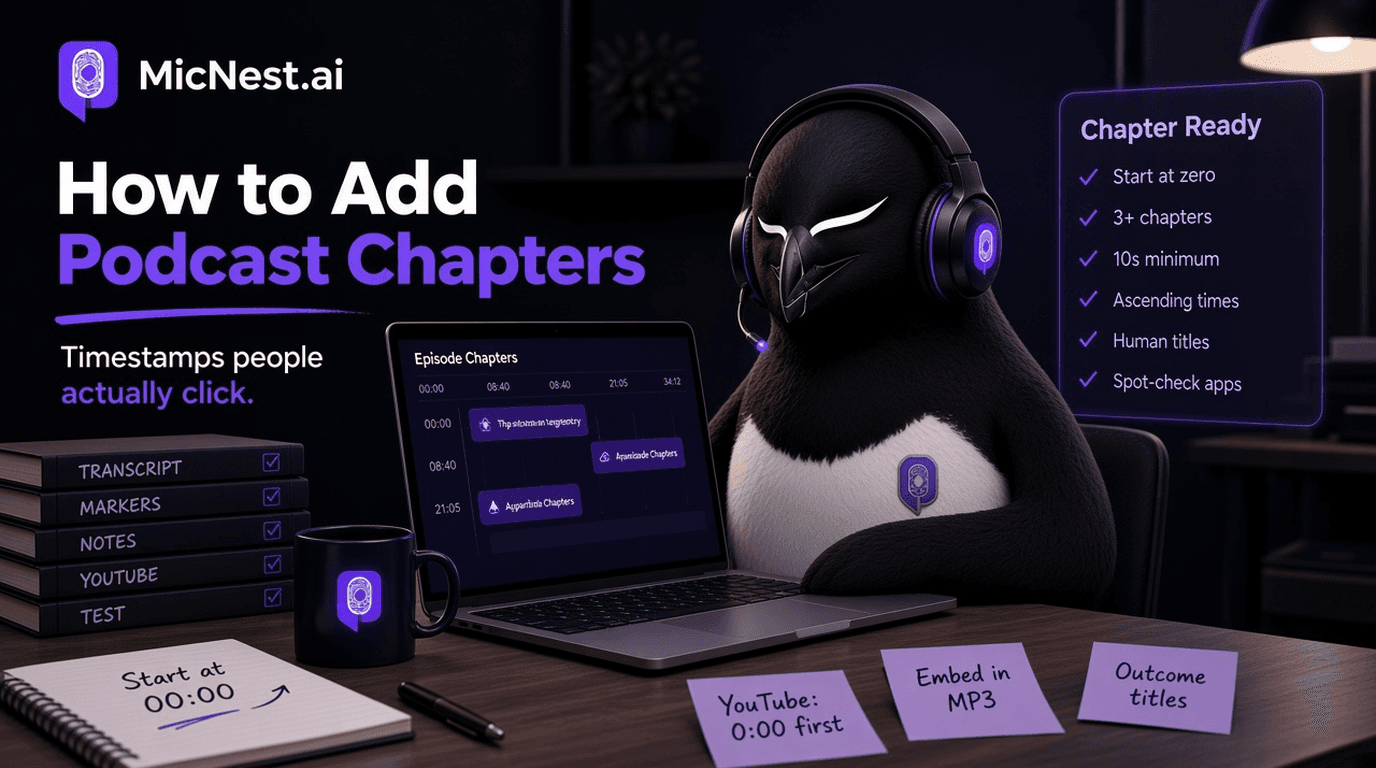
- First timestamp is `0:00`
- At least three chapters
- Each chapter lasts at least about 10 seconds
- Times are in ascending order
- Titles are on the same lines as the times (format YouTube expects)
AI lists often start at the first spoken line (`0:47`). That single mistake kills the chapter bar.
If you publish video and audio, generate chapters once, then adapt: YouTube wants `0:00` style; show notes can use `(00:00)`.
8. How Many Chapters Is Too Many
More is not always better.
Guidelines:
- Under 20 minutes: 3–5 chapters
- 30–45 minutes: 5–8
- 60–90+ minutes: 8–12, sometimes more if topics are distinct
If two "chapters" are 12 seconds apart, merge them. If one chapter spans 40 minutes of unrelated topics, split it.
Chapters should map to listener intent, not to every time someone said "so anyway."
9. Common Mistakes
Description-only chapters, no file markers. Fine for YouTube and some notes; incomplete for apps that need embedded data.
Vague titles. Nobody scrubs to "Misc thoughts."
Times that drift after a re-edit. Freeze the list after the final export.
Different lists on Spotify vs YouTube vs site. Pick a source of truth.
Skipping `0:00`. Especially fatal on YouTube.
Chapters that spoil the story. Tease the section; do not dump the punchline in the label if suspense matters.
Doing it once, then quitting. Consistency trains your audience to look for the bar.
10. A 20-Minute Chapter Pass Checklist
- Export final audio/video.
- Open transcript with times.
- Mark 5–10 turns.
- Write outcome-style titles.
- Paste into show notes with `(00:00)` first.
- Embed chapters in the MP3 if your chain supports it.
- Paste YouTube list starting at `0:00`.
- Spot-check one mobile app + the YouTube chapter bar.
- Publish the same structure on the episode page.
11. How MicNest Fits
Chapters tell someone where to jump inside one episode. A searchable site tells them which episode holds the idea next month.
MicNest helps turn those marked moments into pages, notes, and findable structure around the conversation, so the chapter list is not the only place the work lives.
Frequently Asked Questions
How do I add podcast chapters quickly?
Use a timed transcript, mark topic shifts after the final edit, rewrite titles as outcomes, then export to notes, MP3, and YouTube.
What is the difference between podcast chapters and timestamps?
Timestamps are usually text in a description. Chapters can also be embedded in the audio file for apps that support chapter UI.
Why are my YouTube chapters not showing?
Most often the list does not start at `0:00`, has fewer than three entries, has a segment under ~10 seconds, or is out of order. YouTube fails quietly.
Do Spotify and Apple both read MP3 chapters?
Support varies by surface and file type. Test your actual upload path. Do not assume one successful app means all apps.
Should every episode have chapters?
Long multi-topic episodes benefit most. Short single-arc episodes can use a light 3–5 chapter map.
Can AI create podcast chapters for me?
Yes for a first draft. You still need human titles and a pass that starts at zero and survives platform rules.
What format should I use in show notes?
`(00:00) Title` on its own line, ascending times, consistent time format inside the episode.
Do chapters help SEO?
They help humans navigate and can clarify structure for pages and video. They do not replace strong titles, descriptions, and episode pages.
Final Takeaway
Learning how to add podcast chapters is mostly discipline: one accurate list, human titles, and the right export for each surface.
Start at zero. Name the moment. Embed when you can. Match YouTube's quiet rules. Keep the same map on your notes and site.
Listeners should not have to scrub a 50-minute file to find the one answer they came for.
Related reading
Before vs after
Before
- - Lead with biography and adjectives
- - Stuff keywords at the bottom of the description
- - Reuse one vague blurb on every episode
After
- + Lead with audience and outcome in the first lines
- + Write specific episode descriptions with guest and topic
- + Keep description, name, and titles saying the same thing
Who is this for?
Hosts rewriting vague show bios
Creators whose feed copy does not match the show.
New shows before launch
Hosts writing the first show description and trailer package.
Episode publishers
Hosts who paste the same blurb under every episode.
Make the first lines earn the play
Write a show and episode description strangers can skim in seconds, then keep titles and pages aligned with the same promise.
Explore MicNest or start freeFrequently Asked Questions
How do I add podcast chapters quickly? +
Use a timed transcript, mark topic shifts after the final edit, rewrite titles as outcomes, then export to notes, MP3, and YouTube.
What is the difference between podcast chapters and timestamps? +
Timestamps are usually text in a description. Chapters can also be embedded in the audio file for apps that support chapter UI.
Why are my YouTube chapters not showing? +
Most often the list does not start at 0:00, has fewer than three entries, has a segment under about 10 seconds, or is out of order.
Do Spotify and Apple both read MP3 chapters? +
Support varies by surface and file type. Test your actual upload path instead of assuming one app means all apps.
Should every episode have chapters? +
Long multi-topic episodes benefit most. Short single-arc episodes can use a light 3 to 5 chapter map.
Can AI create podcast chapters for me? +
Yes for a first draft. You still need human titles and a pass that starts at zero and survives platform rules.
What format should I use in show notes? +
(00:00) Title on its own line, ascending times, consistent time format inside the episode.
Do chapters help SEO? +
They help humans navigate and can clarify structure for pages and video. They do not replace strong titles, descriptions, and episode pages.

