
Definition
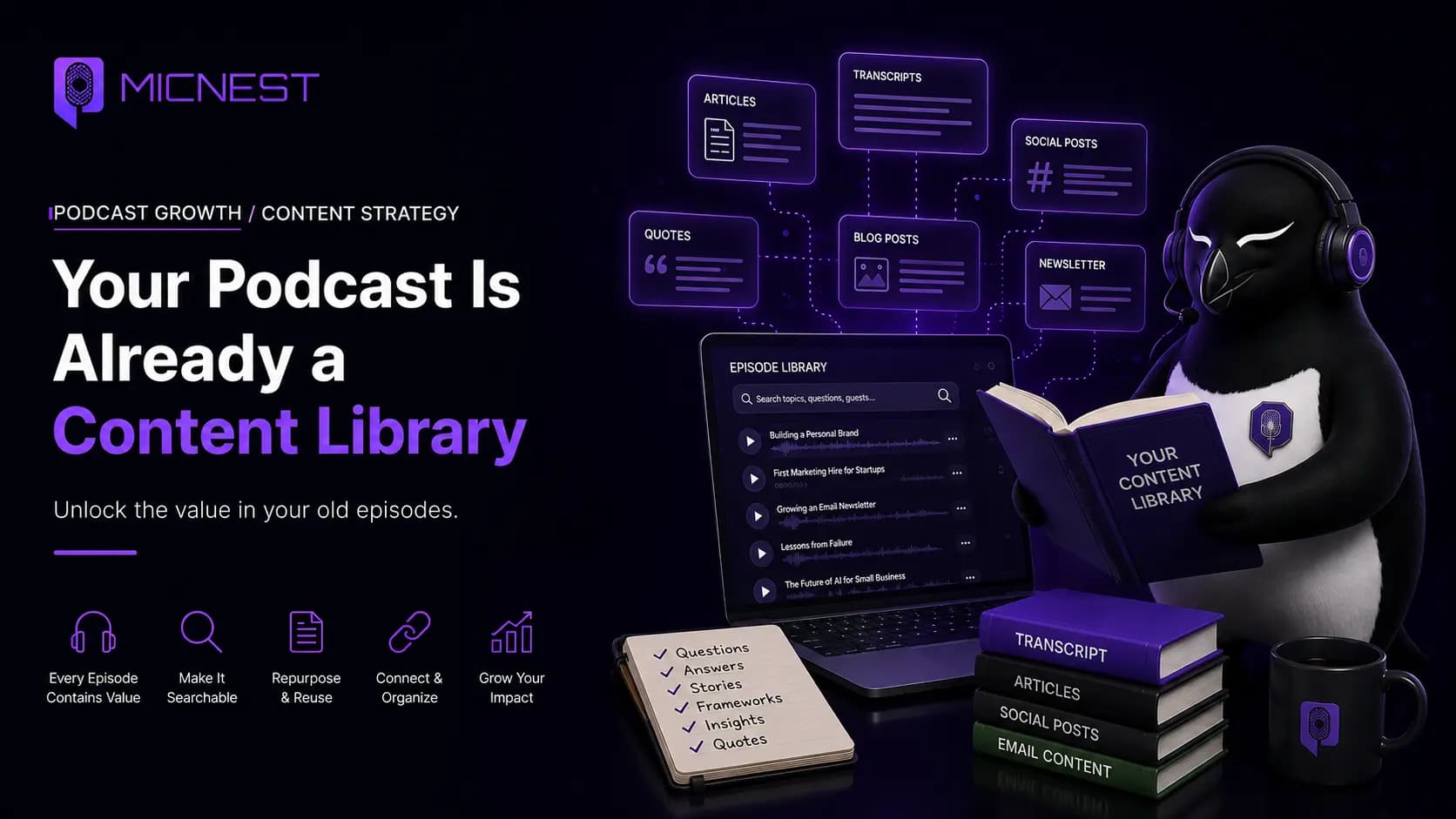
podcast content library: A podcast content library is a system where episodes are more than audio files in a feed. Conversations are transcribed, organized by topics and questions, and connected through episode pages, articles, guest profiles, and search — so the knowledge inside the show can be found, read, and reused.
In simple terms: A podcast content library is a system where episodes are more than audio files in a feed. Conversations are transcribed, organized by topics and questions, and connected through episode pages, articles, guest profiles, and search — so the knowledge inside the show can be found, read, and reused.
Quick Answer
Yes. A podcast can function as a large content library because every episode contains conversations, ideas, questions, answers, stories, and expertise that can be reused across for
Yes. A podcast can function as a large content library because every episode contains conversations, ideas, questions, answers, stories, and expertise that can be reused across formats. The challenge is access: an episode locked inside an audio file is hard to search, while a structured library on your podcast website can be searched, read, linked, shared, and discovered on the web.
MicNest helps creators unlock existing episodes into a searchable content library on an owned podcast website. Start at https://app.micnest.ai/auth/signup.
Key Takeaways
- ➔ Episode count is the surface. The knowledge inside the conversations is the real library.
- ➔ Audiences think in questions, not episode numbers — so discovery needs more than a feed archive.
- ➔ One episode can support multiple assets: pages, articles, quotes, guest profiles, and related links.
- ➔ Repurposing means structuring ideas for readers, not pasting a transcript into a blog post.
- ➔ Old evergreen episodes can keep bringing visitors when they are searchable and connected.
- ➔ A podcast website is the front door that connects episodes, articles, guests, and subscribers.
- ➔ MicNest is built to unlock the content you already created — not force you to start from zero.
Your podcast is already a content library
You might look at your podcast and see:
50 episodes.
100 episodes.
200 episodes.
But your audience often sees something much simpler:
Episode 1. Episode 2. Episode 3.
Each episode has a title, a description, and a play button.
And then the conversation disappears into the archive.
But think about what is actually inside those episodes.
A single one-hour conversation might contain:
- Questions your audience has been asking
- Advice from an experienced guest
- Stories about failures and successes
- Industry insights
- Practical frameworks
- Opinions and predictions
- Answers to very specific problems
- Quotes worth sharing
- Topics that could become entire articles
That means your podcast isn’t just a collection of audio files.
It is already a content library.
The problem is that most of that library is difficult to discover, search, organize, and reuse.
That’s the opportunity.
Stop asking only:
“How many episodes have I published?”
Start asking:
“How much knowledge have I created?”
Your episode count doesn’t tell the whole story
Imagine you have published 100 episodes.
That’s already a significant amount of work.
But saying “I have 100 podcast episodes” doesn’t describe the amount of knowledge inside those episodes.
Suppose every episode is 45 minutes long.
That’s:
100 × 45 minutes = 4,500 minutes
or:
75 hours of conversation.
That’s 75 hours of ideas, experiences, questions, answers, stories, and expertise.
And that’s only looking at the recordings as audio.
The real content value can be much larger.
A single conversation can cover multiple subjects.
One guest might answer ten meaningful questions.
Another might explain a framework.
Another might tell a story that teaches a lesson.
Another might reveal how they solved a problem.
The episode count is only the surface.
The knowledge underneath is the real library.
The problem: your best ideas are buried
Here’s what happens with a traditional podcast.
You record an episode.
You edit it.
You publish it.
You promote it.
People listen.
Then you move on.
A few weeks later, the episode is no longer your newest release.
A few months later, it may be buried beneath dozens of newer episodes.
A year later, someone might still benefit enormously from that conversation.
But how are they going to find it?
They probably aren’t going to scroll through your entire podcast feed.
They might search for the specific problem they have.
For example:
- “How do I build a personal brand?”
- “How should a startup hire its first marketing employee?”
- “How do I grow an email newsletter?”
Your podcast might contain an excellent answer.
But the person searching may never know.
The information exists. The discovery path doesn’t.
That gap is why podcast SEO and a searchable podcast archive matter — not as vanity metrics, but as ways people reach the answer you already recorded.
Your audience doesn’t think in episode numbers
This is one of the most important changes in the way we think about podcast content.
Creators think in episodes.
Audiences often think in questions.
A creator thinks: Episode 74 with Sarah.
A potential listener thinks: How do I build an audience without spending money on ads?
A creator thinks: Episode 102 — our conversation with a startup founder.
A potential reader thinks: What mistakes do first-time founders usually make?
A creator thinks: Episode 38 — the future of AI.
A potential listener thinks: How are small businesses actually using AI?
These are completely different ways of organizing information.
And that’s why simply having an archive isn’t enough.
Your content needs to be organized around what people want to discover.
One episode can contain multiple pieces of content
Let’s take a hypothetical 60-minute interview with a successful founder.
The conversation covers:
Topic 1: Finding the first customers — how they found their first 20 customers.
Topic 2: Hiring — their biggest early hiring mistake.
Topic 3: Pricing — how they changed their pricing model.
Topic 4: Marketing — what finally made their marketing work.
Topic 5: Failure — a product launch that didn’t work.
Topic 6: AI — how they use AI inside their company.
You could treat that entire conversation as one podcast episode.
Or you could recognize it as one source containing six major topics.
Those topics could support:
- An episode page
- A podcast transcript
- An SEO article
- Several supporting articles
- Newsletter content
- Social posts
- Quotes
- Search results
- A guest profile
- Related episode links
The recording hasn’t changed.
The way you use it has changed.
If you want the tactical path from audio to written pages, see how to turn a podcast into a blog.
Repurposing doesn’t mean copying
When people hear “repurpose your podcast,” they often imagine copying the transcript into a blog post.
That’s not enough.
A conversation and an article serve different purposes.
A conversation is designed for listening.
An article is designed for reading and finding information.
A good content strategy doesn’t simply copy the audio.
It extracts the useful information and gives it structure — the same idea behind smart ways to repurpose content without starting from a blank page.
For example:
Podcast conversation
“Yeah, when we first started the company, we actually didn’t have a sales team. I was doing most of the sales myself…”
That’s interesting in a conversation.
But an article might turn that discussion into:
How Founders Can Get Their First Customers Without a Sales Team
Then organize the relevant insights into:
- Why founders should sell early
- How to find the first prospects
- What to say in the first conversation
- What mistakes to avoid
- When to hire the first salesperson
The underlying knowledge came from the conversation.
But the final content is designed around the reader.
Your podcast can become a knowledge base
Once you start thinking this way, your podcast becomes something much bigger.
It can become a knowledge base around your subject.
Imagine a business podcast with 300 episodes.
Those episodes might collectively cover:
Marketing — content strategy, SEO, email marketing, social media, paid advertising
Business — hiring, leadership, pricing, sales, operations
Technology — AI, automation, software, data, security
Founder stories — fundraising, failure, product launches, customer acquisition, growth
Now imagine being able to search that entire collection.
Someone could ask:
- “What have we discussed about hiring?”
- “Which episodes discuss customer acquisition?”
- “Where did a guest talk about pricing?”
That’s no longer just a podcast archive.
It’s a searchable knowledge base.
MicNest is designed around this model. Its platform can import podcast content, process episodes into transcripts and key moments, and make conversations searchable so listeners can find specific ideas and jump to relevant moments.
Old episodes can still be valuable
One of the biggest mistakes podcast creators make is thinking only about new episodes.
New episodes are important.
But your catalog is an asset too.
An episode published twelve months ago doesn’t suddenly become useless because you published a new episode yesterday.
In fact, an older episode might contain the exact answer someone needs today.
Think about evergreen topics:
- How to start a business
- How to build an audience
- How to hire
- How to create content
- How to manage a team
- How to improve productivity
- How to use AI
People will continue searching for these topics.
That means your old conversations can continue creating value.
The challenge is giving people a reason and a way to find them — through search-friendly pages, internal links, and a site that keeps the library alive.
The content library flywheel
A strong podcast content system can create a loop:
Record a conversation → Publish the episode → Extract the important ideas → Create useful content → Make it searchable → Bring new people to the website → Introduce them to the podcast → Turn visitors into subscribers → Publish another conversation → Add it to the library
And repeat.
Over time, the library gets larger.
But more importantly:
The discovery surface gets larger too.
Instead of relying entirely on the newest episode to bring attention, your entire catalog can contribute.
That is also how a durable podcast marketing strategy stops being a weekly treadmill and starts compounding.
What happens when you have 100 episodes?
Let’s compare two podcasts.
Podcast A
100 episodes.
Every episode exists in a podcast directory.
The website has an episode list.
The newest episode gets promoted every week.
Older episodes remain in the archive.
Podcast B
100 episodes.
Every episode has a dedicated page.
Important conversations are searchable.
Topics connect related episodes.
Guests have profiles.
Useful discussions become articles.
Visitors can subscribe.
Older episodes remain discoverable.
Both podcasts created the same 100 conversations.
But the second podcast has built something around those conversations.
That’s the difference between an archive and a content library.
| Archive | Content library |
|---|---|
| Episode list in a feed | Episode pages + related topics |
| Newest drop gets all attention | Catalog stays discoverable |
| Ideas stay inside audio | Ideas become articles, search, profiles |
| Visitors leave after listening | Visitors can subscribe and explore |
Your website becomes the front door
This is where a podcast website becomes important.
A podcast directory is excellent for listening.
Your website can do much more.
Someone can discover an article.
Then find the episode.
Then explore the guest.
Then read a related article.
Then subscribe.
Then discover another episode.
The website becomes the connective tissue between your content.
MicNest is built around this idea of turning the podcast into an owned platform that combines a website, episode content, SEO articles, newsletter tools, guest pages, and searchable archives — the same pattern we describe in what is a podcast creator platform.
Search changes the way your library works
Imagine someone searches:
“How do I get my first 100 customers?”
Your podcast might contain three conversations that answer that question.
If those conversations exist only as audio files, discovery is difficult.
If the ideas are represented through structured pages, articles, transcripts, and searchable episode content, there are more ways for that person to reach the original conversation.
This is where podcast SEO becomes important.
We covered the mechanics separately in our Podcast SEO guide.
The important point for this article is simple:
Your content can’t create discovery if people can’t find it.
Podcast search belongs in the same family: a visitor can land on an answer, then go to the moment it was said.
A transcript is the beginning, not the end
Transcripts are extremely useful.
They turn spoken words into text.
But a transcript alone isn’t necessarily a content strategy.
Think of a transcript as raw material.
From that raw material, you can identify:
- Questions
- Answers
- Topics
- Quotes
- Key moments
- Stories
- Examples
- Contrarian opinions
- Practical advice
Then those pieces can be organized into content.
That’s when podcast transcription becomes useful beyond accessibility and record-keeping.
The transformation looks like:
Audio → Transcript → Insights → Topics → Structured content → Search → Discovery
This is the foundation of a real podcast content strategy.
Show notes help listeners who already opened the episode. They rarely teach a new visitor who arrived from search. They are a souvenir. They are not a library.
How to start unlocking your existing episodes
You don’t need to start with your entire catalog.
Pick your 10 best episodes.
Then ask these questions for each one.
1. What is the main problem discussed?
Don’t start with the episode title.
Ask: What problem does this conversation actually solve?
2. What are the three strongest ideas?
Identify the ideas that someone would still find useful months later.
3. What questions were answered?
Write down the questions your guest or host answered.
4. What topics appear repeatedly?
Look across your episodes.
You may discover that your show consistently covers a few core themes.
5. Which episodes are related?
Connect conversations covering similar topics.
6. What should become an article?
Choose topics where people are likely to search for an explanation.
7. What should become a newsletter?
Pick insights that can create a reason for your audience to return — a natural fit with a podcast newsletter strategy.
8. Which guests deserve their own profile?
Especially guests who have significant expertise or multiple appearances.
This simple exercise can reveal how much content you already have — including strong podcast episode ideas you never turned into pages.
The 10-episode content audit
Here’s a practical starting point.
| Step | What to do |
|---|---|
| 1 | Choose your 10 strongest episodes |
| 2 | Identify the main topic of each |
| 3 | List 3–5 important questions answered |
| 4 | Extract the strongest insights |
| 5 | Group episodes by topic |
| 6 | Identify evergreen subjects |
| 7 | Select article opportunities |
| 8 | Connect related episodes |
| 9 | Create guest/topic pages |
| 10 | Add newsletter opportunities |
You don’t need 500 episodes to start.
Your existing catalog is enough.
What MicNest does with that library
This is the problem we wanted MicNest to solve.
Instead of asking creators to manually move information between a dozen different tools, MicNest is designed to build the system around the podcast.
Connect the podcast feed.
MicNest can import the episodes and process the content into transcripts, key moments, guest information, and searchable content.
From there, the platform is designed to create and connect assets such as:
- Podcast website
- Episode pages
- SEO blogs
- Searchable podcast content
- Newsletter content
- Guest profiles
- Audience growth tools
The idea isn’t:
“Create more content.”
It’s:
“Unlock the content you already created.”
Before vs. after
| Before | After |
|---|---|
| Podcast episode | Podcast episode |
| Publish | Transcript + insights |
| Promote | Topics |
| Archive | Articles |
| Search | |
| Website | |
| Guest discovery | |
| Newsletter | |
| Audience | |
| Related episodes |
Now the episode is connected to the rest of the library.
The real value is the compounding effect
Imagine publishing one episode every week.
After one year, you have roughly 50 new conversations.
If each conversation remains isolated, you simply have 50 more episodes.
But if every episode becomes part of an interconnected content system, the value can compound.
Episode 1 can connect to Episode 27.
Episode 27 can connect to an article.
That article can introduce a new visitor to Episode 14.
Episode 14 can introduce them to a guest.
The guest can share their profile.
That brings another visitor.
That visitor subscribes.
Now your old content is helping your new content.
That’s what a content library can do.
Don’t create more. Extract more.
This is the philosophy behind Day 2.
Podcasters are already creating a huge amount of content.
The problem isn’t always:
“I need more content.”
Sometimes the better question is:
“What haven’t I done with the content I already have?”
Your archive may contain years of knowledge.
Your guests may have answered questions that people are asking today.
Your old episodes may contain your best ideas.
Your conversations may already contain dozens of future articles.
You don’t necessarily need another recording session.
You may need a better system for unlocking what you’ve already recorded.
The bigger opportunity
A podcast starts with a conversation.
But it doesn’t have to end there.
The conversation can become:
An episode → A transcript → An article → A searchable answer → A website visitor → A subscriber → A returning listener → A new conversation
That is how a podcast can evolve from a feed into a knowledge platform.
And that’s why we believe your podcast isn’t simply an archive of episodes.
It’s already a content library.
You just need to unlock it.
Frequently asked questions
How can I turn my podcast into a content library?
Start by identifying the topics, questions, insights, and stories inside your existing episodes. Then organize them into searchable episode pages, articles, topic groups, guest profiles, and other connected content on your podcast website.
How much content can one podcast episode create?
There is no fixed number. It depends on the length and depth of the conversation. A single episode may contain several useful topics, questions, quotes, stories, and article opportunities.
Should I repurpose every podcast episode?
Not necessarily. Focus first on your strongest and most useful conversations, especially evergreen episodes that answer questions your audience is likely to continue asking.
Is a podcast transcript enough?
A transcript is useful raw material, but it isn’t necessarily a finished article. The strongest strategy is to extract the important ideas and organize them around the needs of the reader.
What should I do with old podcast episodes?
Audit your best old episodes. Identify evergreen topics, important questions, guests, and insights. Then make those conversations easier to search, read, share, and connect with newer content.
Can old podcast episodes bring new listeners?
Yes. Evergreen conversations can remain useful long after publication. The key is making those conversations discoverable through your website, search-friendly content, and internal connections between related episodes.
Why do I need a podcast website?
A podcast website gives your content an owned home where episodes, articles, guests, search, and subscriber opportunities can be connected. It can become the central library for your show.
What is the difference between a podcast archive and a podcast content library?
An archive primarily stores episodes. A content library organizes the knowledge inside those episodes so people can discover and navigate it.
Start with the episodes you already have
You don’t need to record another 50 episodes to build a stronger content strategy.
Start with the conversations you’ve already created.
Find the episodes with the best ideas.
Find the questions your guests answered.
Find the stories people still need to hear.
Find the topics that keep appearing.
Then give those ideas somewhere to live.
Because your podcast isn’t just:
50 episodes.
It’s potentially:
50 conversations.
Hundreds of ideas.
Thousands of answers.
One growing knowledge library.
The content is already there.
The opportunity is to make it discoverable.
Turn your existing podcast into a content library
MicNest is built to help creators turn their podcast into an owned platform with a website, searchable content, SEO blogs, newsletters, guest pages, and more.
Don’t start from zero. Start with everything you’ve already created.
Before vs after
Before
- — Podcast episode → Publish → Promote → Archive
- — Ideas stay trapped inside audio
- — Only the newest episode gets attention
After
- + Episode → Transcript + insights → Topics → Articles
- + Search + website + guest discovery + newsletter
- + Catalog compounds as a content library
Who is this for?
Podcasters
Creators who want old episodes to keep working.
Coaches and consultants
People who teach through conversation.
Founders and content teams
Teams turning interview catalogs into owned libraries.
Turn your existing podcast into a content library
Don't start from zero. Start with everything you've already created — website, searchable content, SEO blogs, newsletters, and guest pages.
Explore MicNest or start freeSources
Reviewed by MicNest Team, Editorial
Quick Comparison
| Episode list in a feed | Episode pages + related topics |
|---|---|
| Newest drop gets all attention | Catalog stays discoverable |
| Ideas stay inside audio | Ideas become articles, search, profiles |
| Visitors leave after listening | Visitors can subscribe and explore |
Pros & Cons
| ✅ Pros | ❌ Cons |
|---|---|
| ✔ Unlocks value already paid for with recording time | ✖ Weak conversations still make weak pages |
| ✔ Makes evergreen episodes discoverable long after publish | ✖ Needs a human pass to structure insights for readers |
| ✔ Connects articles, guests, search, and subscribers on one site | ✖ Search traffic compounds slowly versus viral clips |
| ✔ Compounds: old episodes help new episodes get found | ✖ Requires a website system, not only a feed listing |
Frequently Asked Questions
How can I turn my podcast into a content library? +
Start by identifying the topics, questions, insights, and stories inside your existing episodes. Then organize them into searchable episode pages, articles, topic groups, guest profiles, and other connected content on your podcast website.
How much content can one podcast episode create? +
There is no fixed number. It depends on the length and depth of the conversation. A single episode may contain several useful topics, questions, quotes, stories, and article opportunities.
Should I repurpose every podcast episode? +
Not necessarily. Focus first on your strongest and most useful conversations, especially evergreen episodes that answer questions your audience is likely to continue asking.
Is a podcast transcript enough? +
A transcript is useful raw material, but it isn’t necessarily a finished article. The strongest strategy is to extract the important ideas and organize them around the needs of the reader.
What should I do with old podcast episodes? +
Audit your best old episodes. Identify evergreen topics, important questions, guests, and insights. Then make those conversations easier to search, read, share, and connect with newer content.
Can old podcast episodes bring new listeners? +
Yes. Evergreen conversations can remain useful long after publication. The key is making those conversations discoverable through your website, search-friendly content, and internal connections between related episodes.
Why do I need a podcast website? +
A podcast website gives your content an owned home where episodes, articles, guests, search, and subscriber opportunities can be connected. It can become the central library for your show.
What is the difference between a podcast archive and a podcast content library? +
An archive primarily stores episodes. A content library organizes the knowledge inside those episodes so people can discover and navigate it.

