
Definition
podcast description: A private podcast is an RSS-based show distributed by invitation or membership instead of public directory listing. Listeners subscribe with a personal or gated feed URL in standard podcast apps.
In simple terms: A private podcast is an RSS-based show distributed by invitation or membership instead of public directory listing. Listeners subscribe with a personal or gated feed URL in standard podcast apps.
Quick Answer
Host audio on a platform that issues private or tokenized RSS feeds. Gate the link behind email, checkout, or a members area. Tell people to follow by URL in Apple and use your hos
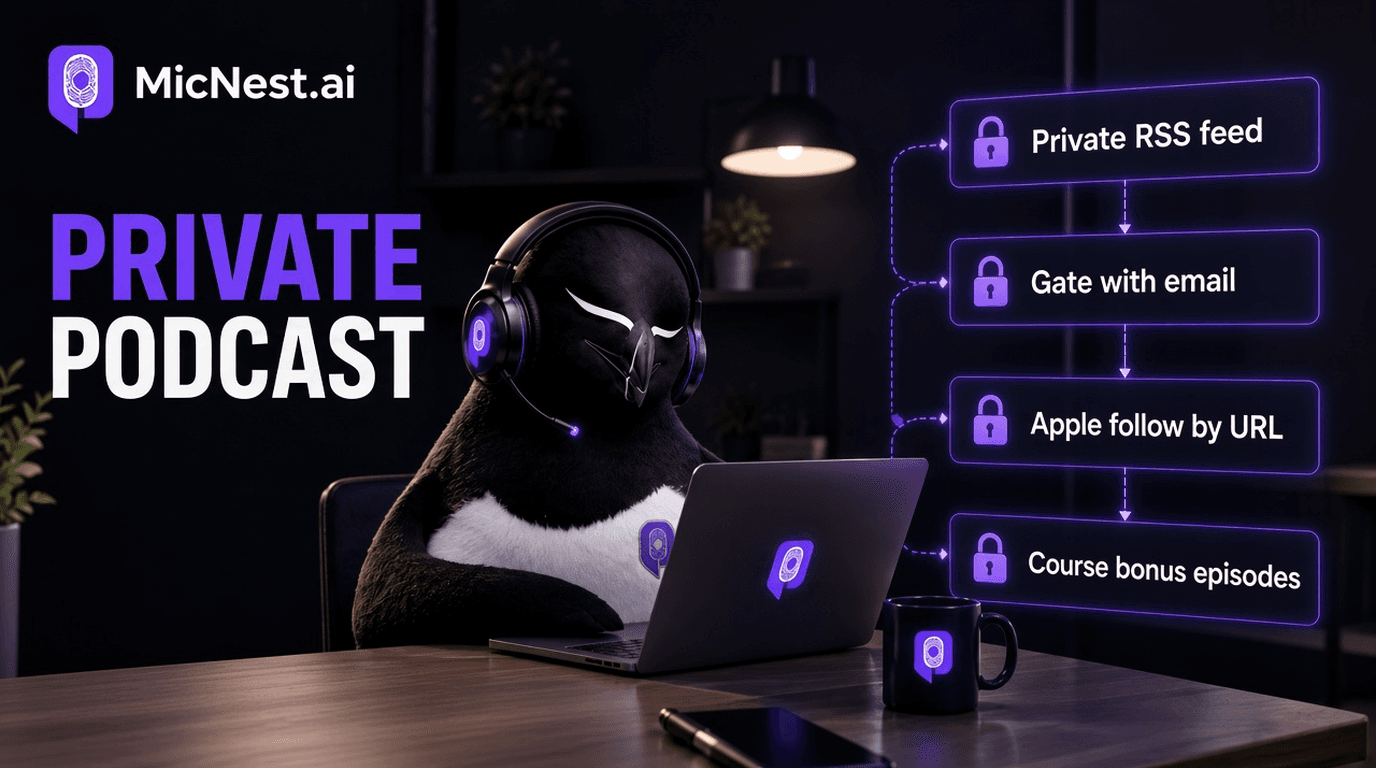
Host audio on a platform that issues private or tokenized RSS feeds. Gate the link behind email, checkout, or a members area. Tell people to follow by URL in Apple and use your host's Spotify private-feed flow when available. Do not submit that feed to public charts. Keep a separate public show if you still want discovery.
MicNest turns clear show promises into searchable episode pages and a destination that matches your description. Start at https://app.micnest.ai/auth/signup.
Key Takeaways
- ➔ Private means gated RSS, not secret file links.
- ➔ Apps still matter; listeners hate portal-only players.
- ➔ Never submit the private feed to public directories.
- ➔ Use cases: lead magnets, courses, members, client briefings.
- ➔ Member management is the hard part, not the MP3 upload.
- ➔ Public show plus private bonus feed is a common split.
- ➔ Spot-check Apple follow-by-URL and your host's Spotify path.
- ➔ Pair the feed with a page you control for signup and support.
A private podcast is still a podcast. Listeners add a feed URL in Apple, Spotify, or another app and hear episodes in the same player they already use. The difference is access: you do not submit that feed to public directories, and each person usually gets a link only after they opt in, buy, or join.
Creators use private feeds for course audio, member bonuses, client updates, and lead magnets. Reddit threads keep asking how medical societies and course sellers pull this off. The answer is almost always a gated RSS setup, not a custom app.
1. Private Podcast vs Unlisted Upload vs Members Portal
| Approach | Feels like a podcast? | Pros | Cons |
|---|---|---|---|
| Private RSS feed | Yes | Native apps, offline, notifications | Host + member tooling needed |
| Unlisted YouTube / Drive links | No | Cheap | Ugly UX, no real subscribe |
| Course portal audio only | Sometimes | Tied to lessons | People forget another login |
If your buyer loved “it showed up in Apple like a normal show,” they had a private feed. Copy that experience when you can.
2. When a Private Podcast Is Worth It
Strong fits:
- Bonus episodes for email subscribers
- Paid “podcourse” or audio curriculum
- Customer or community updates
- Internal team / association audio
Weak fits:
- You still need cold discovery (use a public show)
- You will not answer “how do I add this in Apple?” emails
- You only have one episode and no plan to continue
Private feeds reward people who already trust you. They are not a substitute for getting more public listeners.
3. How the Technical Path Works
- You upload episodes to a host that supports private feeds.
- The host creates RSS URLs that include a token or member id.
- Your site or email delivers that URL after signup or purchase.
- The listener pastes it into their app (Apple: Follow Show by URL; other apps vary).
- New episodes appear like any other subscription.
You typically do not submit this RSS to Apple Podcasts Connect or Spotify for Creators as a public show. Submission is what makes something chartable and searchable by strangers.
Spotify support for private feeds depends on the host and their integration. Test with a real account before you promise “works everywhere” on a sales page.
4. Lead Magnet Pattern
A simple free private podcast:
- Landing page explains the audio series (5–7 episodes)
- Email capture or form
- Automation sends the private feed link + short “how to add in Apple/Spotify” instructions
- Optional drip: unlock episodes over days
- Public show CTAs point here in the outro
Keep instructions stupidly clear. Most support tickets are “I paid / subscribed, where do I paste the link?”
5. Course / Paid Podcourse Pattern
Paid private podcasts need member ops:
- Add/remove access when someone buys or refunds
- CSV import or Zapier if your host lacks native checkout
- Separate feed from the public brand show
- Preload the library or drip on a schedule
- A status page for “resend my feed link”
Hosts differ: some specialize in private audio courses; others bolt private feeds onto general hosting. Pick based on automation needs, not logo familiarity.
6. Public Show + Private Bonus
Many teams run both:
- Public feed: discovery, guests, SEO, website
- Private feed: deep dives, worksheets-as-audio, member Q&A
Promote the private feed from the public show with one CTA. Do not confuse artwork so badly that people subscribe to the wrong one. Related but distinct cover treatments help.
7. Setup Checklist
- [ ] Private-feed capable host chosen
- [ ] Signup or checkout connected
- [ ] Welcome email with feed URL + app steps
- [ ] Test Apple follow-by-URL on a phone
- [ ] Test Spotify path your host documents
- [ ] Confirmed feed is not submitted publicly
- [ ] Support macro for “resend link” and “how to unsubscribe”
- [ ] Episode naming clear inside the private library
- [ ] Legal/privacy notes if you sell access
Run the test with a teammate who did not build it. If they fail, rewrite the email.
8. Common Mistakes
Submitting the private RSS publicly. You just made a quiet public show.
Sending a web player only. Fine as backup; bad as the only path if you promised “in your podcast app.”
One shared password URL for everyone. Hard to revoke; easy to leak. Prefer per-member feeds when the host allows.
No instructions. The product feels broken even when the feed works.
Using private feeds for cold growth. Strangers cannot find what you never listed.
Overbuilding before one successful delivery. Ship a 3-episode bonus feed before a 40-lesson empire.
9. How MicNest Fits
Private audio still needs a home for signup, explanations, and the public show that feeds it. Owned pages make the gate honest: what they get, how to add the feed, where to get help.
MicNest helps you keep the public conversation layer (episode pages, notes, site) while your host handles gated RSS delivery for members and bonuses.
Frequently Asked Questions
What is a private podcast?
A show delivered through a gated RSS feed so only invited or paying listeners can subscribe in normal podcast apps.
Can a private podcast appear in Apple Podcasts?
Listeners can follow it by URL in Apple. It should not be submitted as a public directory show if you want it gated.
Does Spotify support private podcast feeds?
Sometimes, depending on your host’s integration. Verify with a live test account before marketing “Spotify” as included.
Is a private podcast good as a lead magnet?
Yes for multi-episode audio bonuses. Pair signup with clear install instructions.
Do I need a separate host from my public show?
Often yes, or at least a separate private feed product on a host that supports members. Do not mix public submission with gated links.
How is this different from a members-only web portal?
Portals need another login habit. Private feeds meet listeners in apps they already open daily.
Can I charge for a private podcast?
Yes. Treat it like membership or course delivery: access control, refunds, and support macros included.
Should I still run a public podcast?
If you want discovery, yes. Private feeds reward fans; public feeds find them.
Final Takeaway
A private podcast is gated RSS that still feels native in the apps people trust.
Gate the link. Do not submit it publicly. Explain how to follow by URL. Use it for bonuses, courses, and members. Keep a public show when you need strangers to find you.
Owned signup pages plus clean feed delivery beat another forgotten course login.
Related reading
Before vs after
Before
- - Lead with biography and adjectives
- - Stuff keywords at the bottom of the description
- - Reuse one vague blurb on every episode
After
- + Lead with audience and outcome in the first lines
- + Write specific episode descriptions with guest and topic
- + Keep description, name, and titles saying the same thing
Who is this for?
Hosts rewriting vague show bios
Creators whose feed copy does not match the show.
New shows before launch
Hosts writing the first show description and trailer package.
Episode publishers
Hosts who paste the same blurb under every episode.
Make the first lines earn the play
Write a show and episode description strangers can skim in seconds, then keep titles and pages aligned with the same promise.
Explore MicNest or start freeFrequently Asked Questions
What is a private podcast? +
A show delivered through a gated RSS feed so only invited or paying listeners can subscribe in normal podcast apps.
Can a private podcast appear in Apple Podcasts? +
Listeners can follow it by URL in Apple. It should not be submitted as a public directory show if you want it gated.
Does Spotify support private podcast feeds? +
Sometimes, depending on your host's integration. Verify with a live test account before marketing Spotify as included.
Is a private podcast good as a lead magnet? +
Yes for multi-episode audio bonuses. Pair signup with clear install instructions.
Do I need a separate host from my public show? +
Often yes, or at least a separate private feed product on a host that supports members. Do not mix public submission with gated links.
How is this different from a members-only web portal? +
Portals need another login habit. Private feeds meet listeners in apps they already open daily.
Can I charge for a private podcast? +
Yes. Treat it like membership or course delivery: access control, refunds, and support macros included.
Should I still run a public podcast? +
If you want discovery, yes. Private feeds reward fans; public feeds find them.


